


前言
因为海外的 Google 政策,公司原本用 Unity 5.6.6 出的包不再适用,于是将工程全本更新为 Unity 2018 版本,过程中有很多的坑,在这里记录其中一个网上答案较为难找的。
问题
升级 Unity 2018 之后,游戏的热更新报错,报错原因为我们自用的 sharpzlib 库在更新包解压时报错。报错内容如下:
- Android:
System.NotSupportedException: Encoding 437 data could not be found. Make sure you have correct international codeset assembly installed and enabled. at System.Text.Encoding.GetEncoding (System.Int32 codepage) [0x00000] in <00000000000000000000000000000000>:0
- iOS:
System.NotSupportedException: Encoding 950 data could not be found. Make sure you have correct international codeset assembly installed and enabled.
报错原因
运行时在执行 System.Text.Encoding.GetEncoding(437) 或 System.Text.Encoding.GetEncoding(950) 报错。
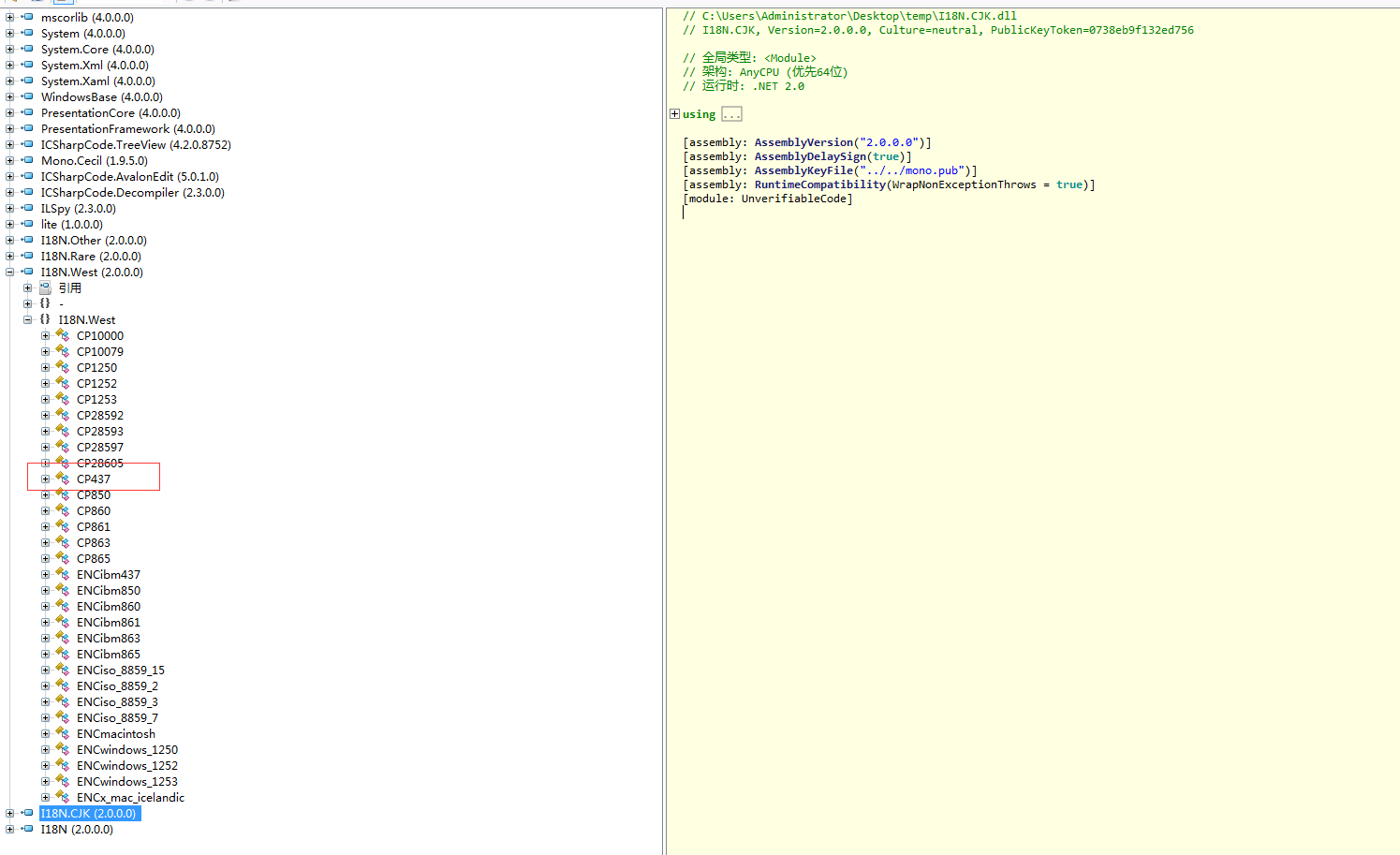
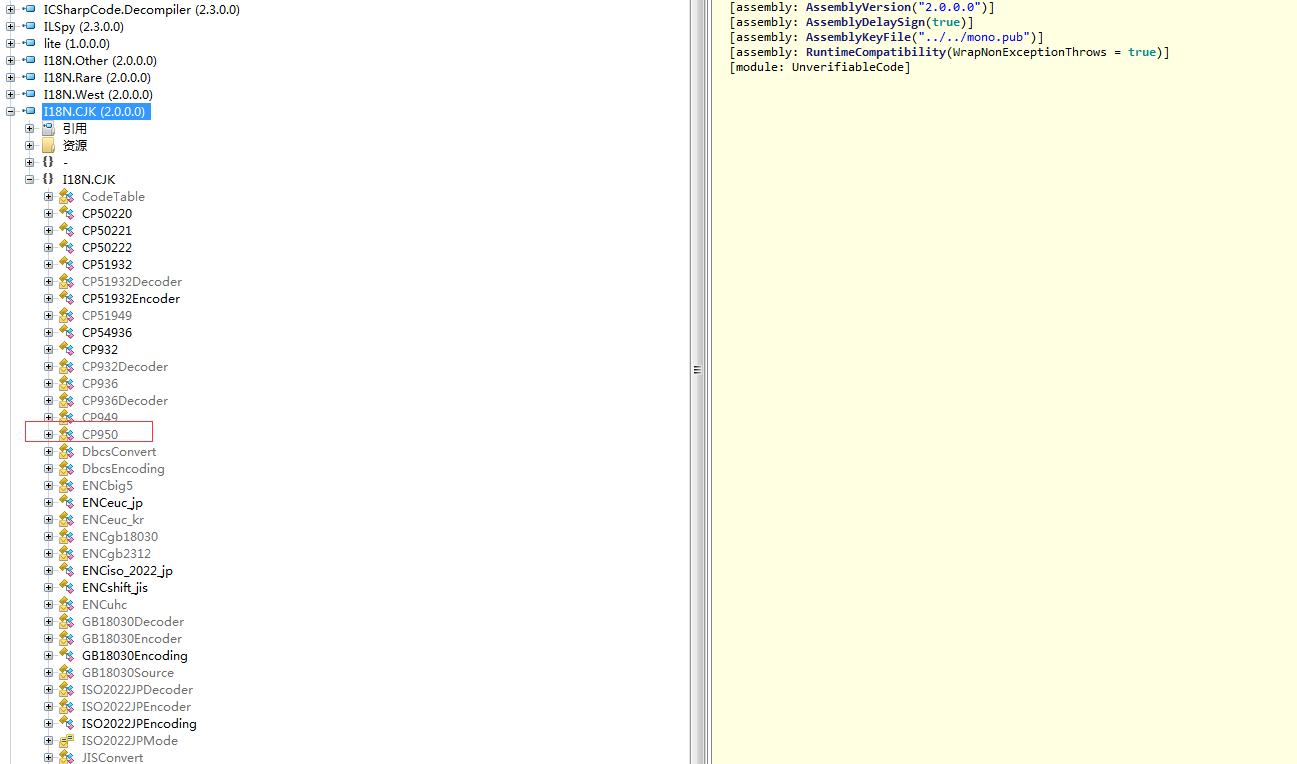
经查,代码缺少 I18N 相关库中的相关代码,CP437 存在于 I18N.West.dll 中,CP950 存在于 I18N.CJK.dll 中。
解决方案
Unity中导入 I18N.dll 、 I18N.West.dll 、 I18N.CJK.dll 库
注:其他类似 Encoding XXX 的问题,也可以先到 I18N 库中查找是否有相应接口,如果有,导入工程即可解决问题。
Unity Encoding XXX 错误
https://xn--wgv44dw7s.cn/2019/09/27/k5irBb3c
评论